

Description
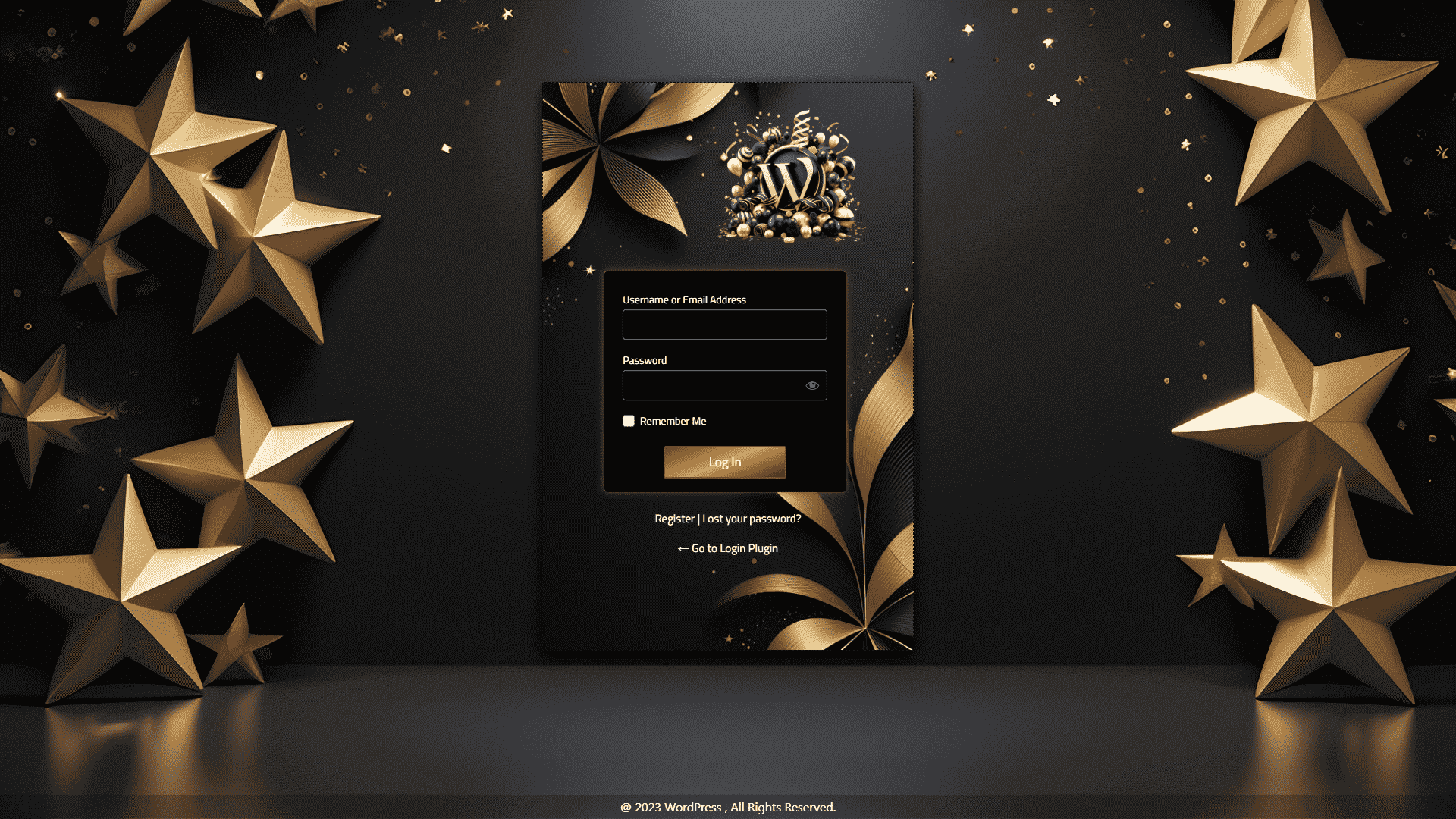
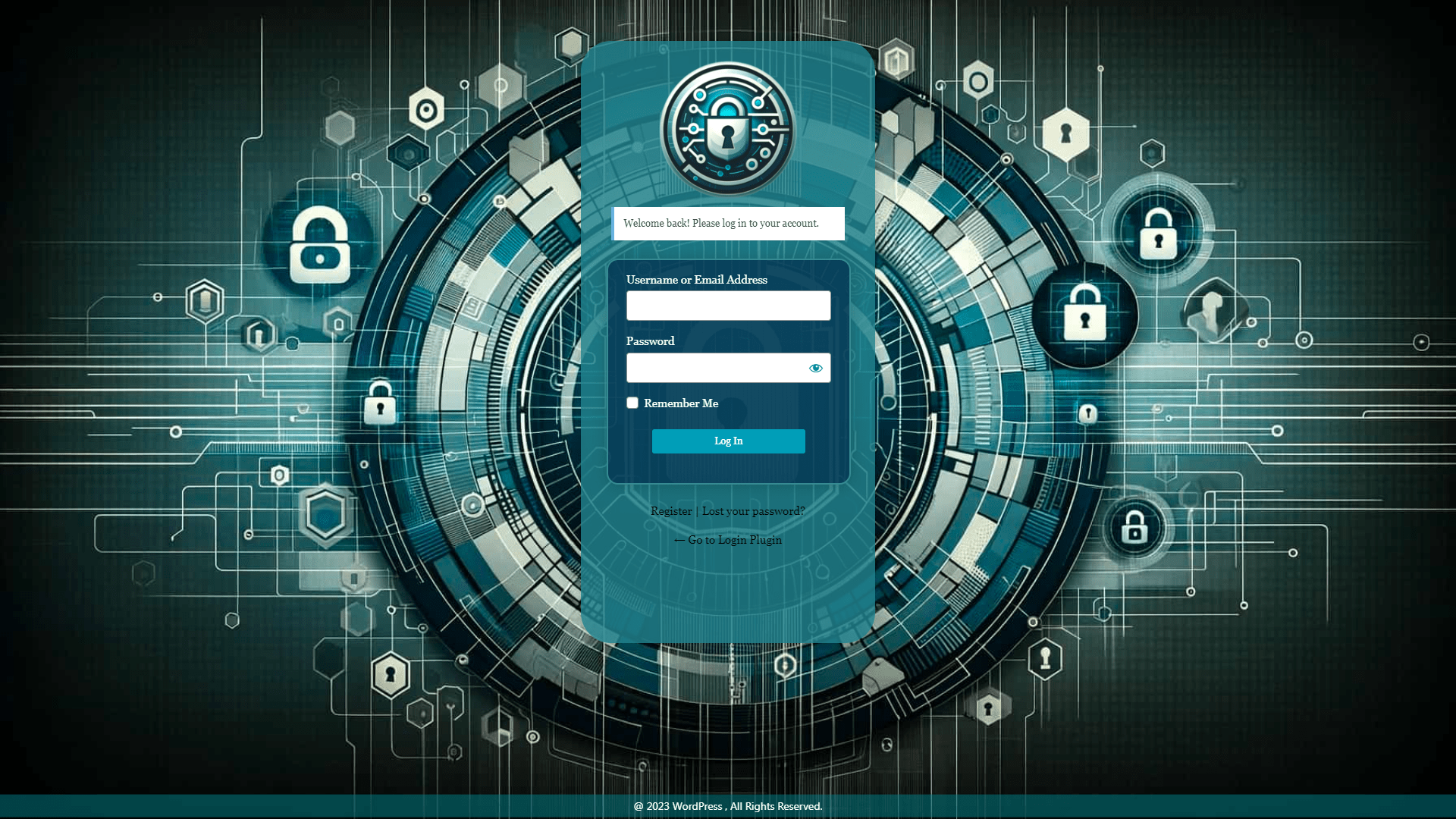
This plugin helps you design a custom WordPress login page. You can customize login settings in real-time. The plugin uses the native WordPress customizer. All edits display instantly. You do not need any coding skills.
You can customize your login page logo, form layout, colors, and input boxes. It also ensures that redirect URLs are correct so users never face a link not found error.
View Pro Login Page Templates: Customizer Login Page Premium Demo
Learn More About Pro: Customizer Login Page Premium Features
Get Pro: Buy Customizer Login Page Premium
This plugin works directly within the WordPress Customizer interface. You don’t need any coding knowledge to use it. Simply navigate to Appearance > Customize, and you’ll find all the login page options organized in easy-to-use panels.
Features of Login Page Customizer
Here is a list of what you can customize inside the customizer:
-
Logo Settings
- Upload your custom logo image.
- Adjust logo height and width.
- Set custom logo links to prevent link not found bugs.
- Control margins and logo position.
-
Background Options
- Select a background image from your media library.
- Set solid background colors.
- Apply gradient background styles.
- Control image repeat and size.
-
Customize Login Form Layout
- Set outer and inner form dimensions.
- Choose form background colors.
- Add custom border styles.
- Apply shadow effects.
- Position forms anywhere on the screen.
-
Input Fields and Labels
- Change input box colors and sizes.
- Style labels with Google Fonts.
- Edit default label texts.
-
Button Design
- Set normal and hover button colors.
- Adjust button size and padding.
- Apply border styles.
-
Links and Messaging
- Style “Lost Password” links.
- Design error message boxes.
Free vs Pro Versions
-
Free Version Features:
- Custom page title setup.
- Logo upload and size settings.
- Background colors and images.
- Form and button styles.
- Default templates.
-
Pro Version Extra Features:
- 18+ preset templates.
- Background video playback.
- Advanced gradient options.
- Full Google Fonts list.
- Form alignment controls.
How to Setup Your Login Page
- Log in to your WordPress Dashboard.
- Go to Plugins > Add New.
- Search for “Login Page Customizer”.
- Click Install Now and then Activate.
- Navigate to the “LoginPC” menu.
- Click “Start Customizing Login Page”.
Avoid Link Not Found Redirection Issues
Ensure your redirection URLs are correct. Setting a wrong custom logo link or registration page URL can result in a link not found error for your users. Double-check all URL values inside the settings options.
Screenshots





FAQ
-
How do I customize login styles?
-
Go to the “LoginPC” menu in the dashboard. Click the customization button. This opens the WordPress customizer. You can edit styles live.
-
Can I use my own logo?
-
Yes. Open the customizer. Go to the Logo section. Upload your image. Set a valid URL to avoid a link not found redirect.
-
Will my custom settings be lost after updates?
-
No. Your settings are saved securely in the database. Updates will not overwrite your configuration.
-
What if I get a link not found error on redirection?
-
Check your logo link URL in the settings. Make sure it points to a valid page.
Reviews


Contributors & Developers
“Login Page Customizer – Customize Login Screen & Branding” is open source software. The following people have contributed to this plugin.
Contributors


“Login Page Customizer – Customize Login Screen & Branding” has been translated into 1 locale. Thank you to the translators for their contributions.
Translate “Login Page Customizer – Customize Login Screen & Branding” into your language.
Interested in development?
Browse the code, check out the SVN repository, or subscribe to the development log by RSS.
Changelog
2.1.5
- Directory guidelines compliance improvements
- Added direct file access checks (ABSPATH checks) to all PHP files
- Removed redundant direct wp-load.php bootstrap calls
- Corrected reviews link to follow guidelines (removed ?filter=5)
- Added missing translation text domains in all configuration and template files
- Removed redundant load_plugin_textdomain call
2.1.4
- Security improvements: sanitized all user inputs
- Added capability checks for import functionality
- Improved file upload validation for import feature
- Fixed deprecated get_page_by_title() for WordPress 6.2+ compatibility
- Added comprehensive settings sanitization for imports
- Fixed nonce variable name in settings page
- Code quality improvements
2.1.3
- Tested with WordPress 6.9
2.1.2
- Security vulnerability fixed
2.1.1
- Added WordPress Multisite support for WordPress 6.8.3
2.1.0
- Text domain error fixed
2.0.9
- WordPress Multisite compatibility for WordPress 6.8.1
2.0.8
- WordPress Multisite compatibility for WordPress 6.6.2
2.0.7
- Added Multisite support for WordPress 6.6.2
2.0.6
- Added Multisite support for WordPress 6.6.1
2.0.5
- Added Multisite support for WordPress 6.5.4
2.0.4
- Added Multisite support for WordPress 6.4.3
2.0.2
- Added Multisite support for WordPress 6.4.2